
Attendance System for Payroll in Qatar: What HR Actually Needs
Buying the terminal is the easy part. What breaks a payroll run is the gap between what the device recorded and what the payroll clerk can defend three months later, when someone disputes a deduction and the only answer is “the machine says so”.
So choosing an attendance system for payroll in Qatar is less a question about fingerprints than about records: who was where, at what time, under whose rules, and whether the file that comes out of it enters your payroll without being retyped by hand.
What payroll actually needs from an attendance system
1. A record you can defend months later
Every punch should carry a device, a timestamp and a source. Every manual correction should carry the name of whoever made it, the old value and a reason. A system that lets a supervisor quietly change yesterday’s hours is worse than a paper register, because it looks authoritative while being unverifiable. Ask to see the edit log before you buy, not after a dispute.
2. Overtime computed by your rules, not the device’s defaults
Most terminals ship with a generic overtime profile written for another market. Your working hours, rest days, Ramadan hours and public holidays are set by Qatari labour regulations and by the contracts you signed, and they are what the calculation has to follow. Confirm the current requirements with the Ministry of Labour or your legal adviser, then make sure the system lets you express those rules once rather than correcting them by hand every month. We supply and configure the hardware; we are not your legal adviser, and any supplier who tells you otherwise is selling something.
3. An export your payroll actually accepts
Wages in Qatar are paid through a local bank and reported electronically under the Wage Protection System. An attendance system does not file any of that for you. What it does is produce the hours the salary is built from, and if those hours arrive as a PDF somebody has to retype, you have bought a clock, not a system.
Ask for a sample export before purchase, containing your employee numbers, your cost centres and your date format. If the supplier cannot produce one from a demo in an afternoon, the integration does not exist yet.
Five failures we are usually called in to fix
Punches that never reached the server
A terminal that keeps records locally and syncs on a schedule will lose a day whenever the network or the power drops, and nobody notices until the month closes. Devices should buffer locally, sync continuously, and raise an alert when a terminal has been silent for longer than a shift.
Fingerprints that fail in the field
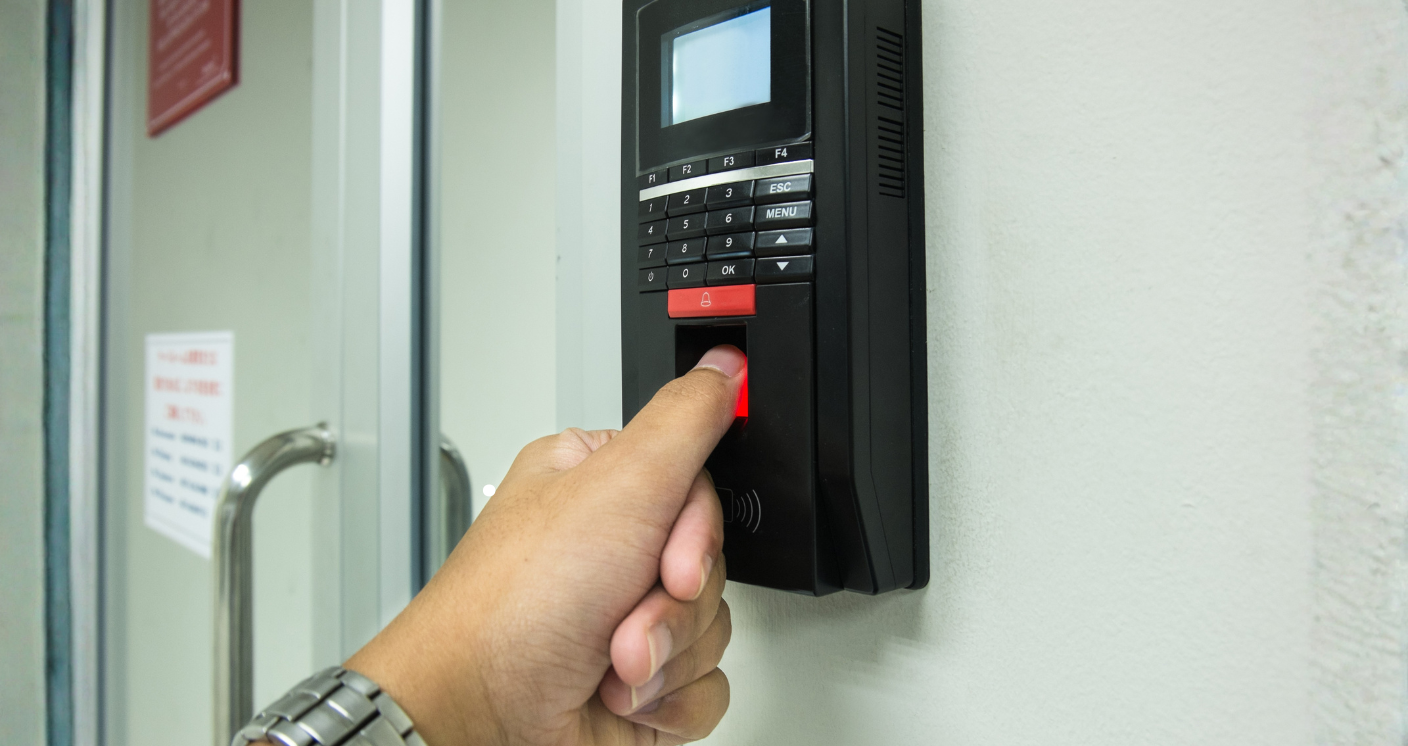
Fingerprint readers were designed for office hands. Dust, cuts, calluses, henna and wet hands defeat them daily on a construction site or in a kitchen. That is not a faulty device, it is the wrong device: outdoor and industrial sites need face recognition, or a card with a PIN as a documented fallback, so that a worker whose finger will not read is not marked absent.
One terminal where hundreds pass
A single reader at a gate that four hundred people cross within ten minutes creates a queue, and a queue creates people punching for each other. Either add readers or move to a faster method. Anti-passback rules matter more here than the brand on the box.
Nobody owns the exceptions
Missing punches are normal — a forgotten scan, a site visit, a driver who started from home. What is not normal is discovering them on payroll day. Name one person per site who clears exceptions weekly, and give them a report that lists only the exceptions.
Attendance and door control tangled together
The same terminal can mark attendance and release a door, but the two have different failure rules. Attendance can wait; a door cannot be ambiguous during a power cut or an evacuation. Decide which doors fail open and which fail locked, write it down, and test it before handover.
Choosing an attendance system for payroll in Qatar, by site type
Offices
Low throughput, clean hands, predictable hours. A fingerprint or card reader at reception is usually enough, and integration with the HR system matters more than the device.
Labour accommodation and site gates
High throughput at two moments of the day, dust, and hands that will not read. Face recognition, weather-rated enclosures, and readers sized for the peak, not the average.
Companies across several sites
One database, not one spreadsheet per location. Every terminal reports to a central server, and the payroll export comes out once for the whole company with a cost centre against each line.
What to ask before you sign
- Show me the edit log of a corrected punch.
- Produce a sample payroll export with my employee numbers in it.
- What happens to records during a four-hour power cut?
- What is the fallback when a finger will not read, and who authorises it?
- How many people can pass this reader in one minute?
- Who owns the data if we change supplier, and in what format do we get it?
Where to start
Tell us which payroll or HR system you already run and how many people pass each entrance at the busiest moment. Those two answers decide most of the design. We survey the site, confirm what integrates and what does not before anything is bought, and put it in an itemised proposal.
More on the equipment itself on our attendance and access control page, on the network these terminals depend on under structured cabling, and on making systems work together in integrated security systems in Qatar. Or just talk to us.