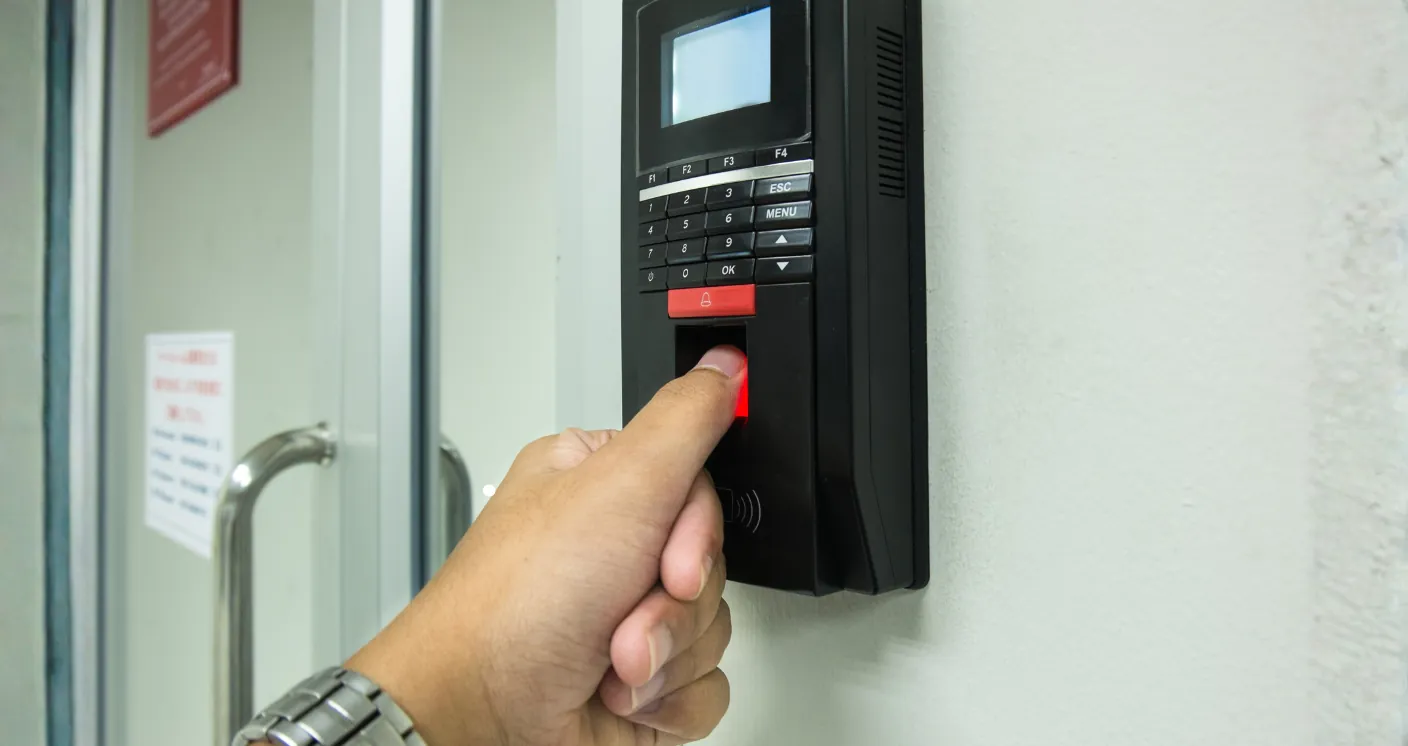
A Biometric Attendance System in Qatar Your HR Team Can Trust
Pixels Technology provides secure, reliable, and fully integrated Biometric A Biometric Attendance System in Qatar Your HR Team Can Trust designed to eliminate errors, ensure compliance, and streamline payroll processing for any organization.
Biometric Accuracy
Utilizes secure fingerprint or face-recognition technology to ensure 100% accurate time-tracking, eliminating 'buddy punching' and manual errors.
Real-Time Reporting
Provides instant access to attendance logs, generating custom reports on clock-in/out times, late arrivals, and absences for rapid decision-making.
Full Payroll Integration
Seamlessly connects with existing HR and payroll software, automatically transferring data to streamline processing and ensure regulatory compliance.
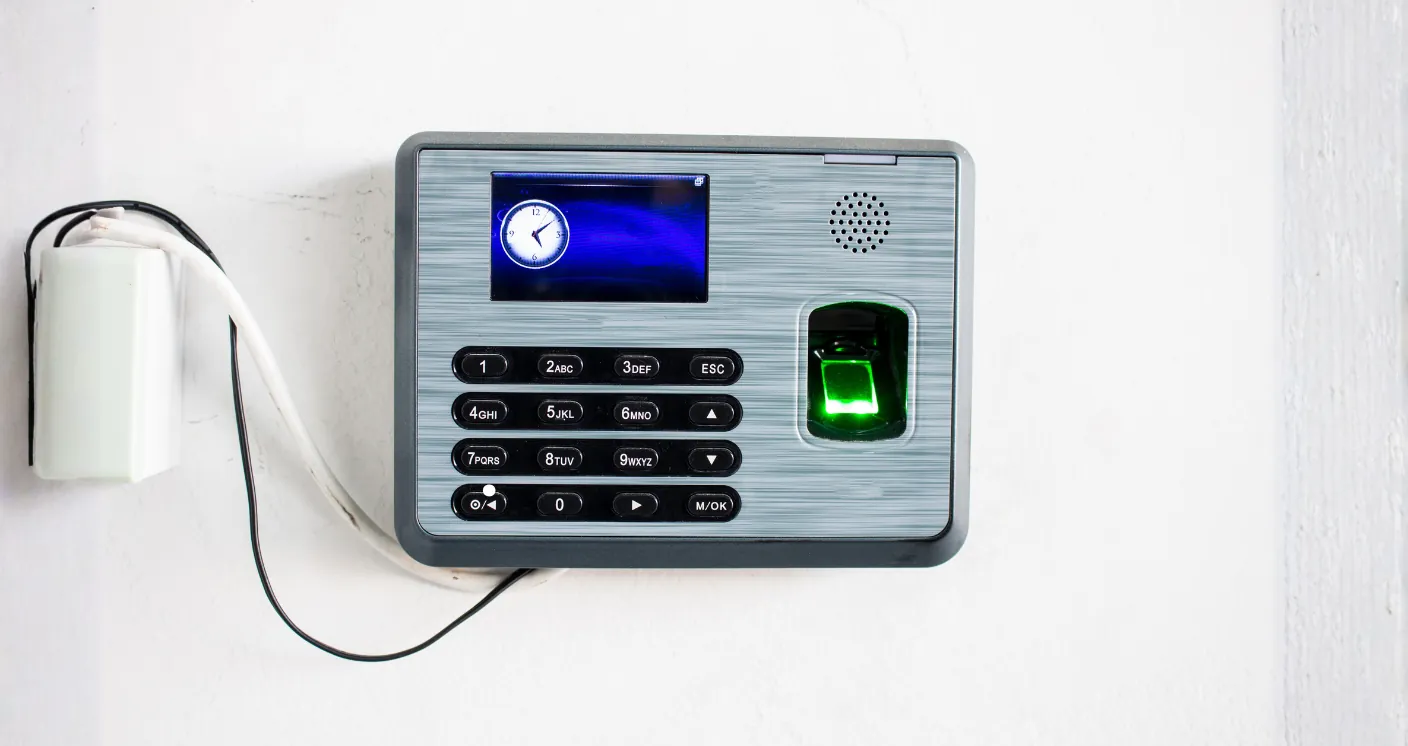
The Pixels Advantage: Your End-to-End Partner
We provide a complete solution, taking care of the entire system lifecycle—from hardware supply and custom programming to certified installation and ongoing maintenance.
- Regulatory Compliance
- Scalable System Design
- Integrated Time-Off Management
- Dedicated Support & Training
Working Hours
Sat – Wed: 8:00 AM – 5:00 PM
Thursday: 8:00 AM – 5:00 PM
Friday: Closed

Call to ask any question
44212322
Biometric attendance system in Qatar that HR can actually rely on
An attendance system earns its place when payroll stops being an argument. If your supervisors are still reconciling paper sheets, or staff are clocking in for each other, the cost is not the machine on the wall. It is the hours spent every month correcting the numbers, and the pay disputes that follow. Pixels Technology supplies and installs biometric attendance systems in Qatar for offices, sites, schools, clinics and accommodation, and connects them to the reports your payroll actually needs.
The technologies, and where each one belongs
- Fingerprint readers are the most economical and work well in clean indoor environments such as offices and clinics.
- Face recognition suits sites where hands are dusty, gloved or wet, which describes most construction, workshop and kitchen environments in Qatar. It is also faster at shift change, when fifty people arrive at once.
- Card and fob readers are used where speed matters more than certainty, and are often combined with a PIN or with face verification for higher-risk doors.
- Combination devices read face, fingerprint and card in one unit, which lets you set a different rule for staff, visitors and contractors on the same door.
Attendance and access control on one system
The same readers that record attendance can control the door. That means a leaver’s access is removed at the same moment their attendance record closes, and a contractor can be given access to one entrance between specific hours rather than to the whole building. Doors are fitted with the correct lock type for the leaf and the fire strategy, with request-to-exit devices and emergency release, and we design the fire interface so a door releases when it must.
Where a door matters enough to control, it usually matters enough to see. Our CCTV systems team places a camera so the access event and the face that caused it are both recorded.
The reports that matter
Hardware is the easy part. What HR needs is the output:
- Daily in and out times per employee, with late arrival and early departure flagged against the shift they were assigned.
- Overtime calculated by rule rather than by hand, including the difference between weekday, weekend and public holiday hours.
- Absence and leave records that reconcile against the roster.
- Shift and roster support for operations that do not run nine to five, including night shifts that cross midnight.
- Multi-location reporting so a company with several sites sees one consolidated picture.
- Exports in a format your payroll accepts, so the month end stops involving retyping.
We configure the rules with your HR team during commissioning, using your actual shift patterns and your actual overtime policy, and we test them against a sample month before go-live.
Where these systems are installed
- Offices: one or two readers at reception, integrated with the door, and reporting by department.
- Construction and industrial sites: face readers at the gate, weather-protected, often with a turnstile so the count at the gate matches the count on site.
- Staff accommodation: controlled entry with a record of movements, which also answers welfare and headcount questions.
- Schools: staff attendance with access control on the perimeter doors, and a clear record of who was in the building.
- Clinics and retail: shift-based attendance where rosters change weekly and overtime rules are strict.
Making it work in Qatar’s conditions
Two practical points decide whether a site installation succeeds. The first is placement: a reader in direct sun struggles with face recognition and cooks its own electronics, so readers go under shade or inside a porch. The second is power and network: a gate two hundred metres from the office needs a planned cable route and a proper enclosure, not an extension lead and hope. We survey for both before quoting, and where cabling is impractical we specify devices that work over the site’s existing network or over 4G.
Data, consent and retention
Biometric data is personal data. Modern readers store a mathematical template rather than an image of the fingerprint or face, which reduces risk, but the obligations remain: tell staff what is collected and why, keep it only as long as you need it, and restrict who can see it. We configure administrator roles so a supervisor sees only their own team, and we set retention so old records are cleared on a schedule rather than accumulating forever. Qatar’s personal data protection law applies to this data, and a system that ignores it is a liability however accurate the reader is.
How a project runs
Survey. We count the doors, the headcount and the shift patterns, and look at where readers can physically go.
Proposal. Readers, controllers, locks, power, cabling, software and configuration, itemised so you can see what each door costs.
Installation. Readers and controllers are fitted, doors are wired with their release devices, and the network is connected.
Enrolment. Staff are enrolled in batches, usually at shift change, so nobody loses a day to it.
Rules and training. Shifts, overtime and leave rules are configured with HR, reports are set up, and your administrators are trained on enrolment, exceptions and exports.
Support. We handle new joiners, failed reads, door faults and report changes as your organisation changes.
Frequently asked questions
Can one employee clock in for another?
Not with biometrics, which is the main reason organisations move away from cards. A card can be handed over. A face at the reader cannot.
What if a fingerprint will not read?
It happens, particularly with manual work and worn fingertips. Face recognition or a card plus PIN is used as a fallback, and the system records which method was used.
Does it work offline?
Yes. Readers hold their user list and store punches locally, then synchronise when the connection returns, so a network fault does not cost you a day of attendance data.
Can we connect several branches?
Yes. Multiple sites report into one system, with consolidated reporting and per-site administrators.
Will it export to our payroll?
In most cases, yes. Tell us which payroll system you use and what format it accepts, and we will confirm before you buy.
How long does enrolment take?
Around a minute per person for face, slightly less for fingerprint. Two hundred staff are typically enrolled across a couple of shift changes.
Can the same system open the gate for vehicles?
Yes, with the appropriate reader or barrier interface. Fleets that also use our vehicle tracking often match gate events against trips.
What maintenance does it need?
Little, but not none. Readers get cleaned, locks get adjusted, and software gets updated. A maintenance agreement covers this and gives you a route when something stops working the week payroll is due.
Get a quotation
Tell us your headcount, the number of doors and your shift pattern, and we will propose a system that produces the reports your payroll needs. Call 4421 2322 or 6624 0400, email info@pixelsqa.com, or use the contact page. Saturday to Thursday, 8:00 AM to 5:00 PM, Al Mirqab Mall, Block B, Second Floor, Office 205, Doha.
What we would install, by organisation
An office of sixty staff
One combination reader at the main entrance handling attendance and door release, a second reader on the internal door to the finance area, and a reader on the server room. Face recognition as the primary method, cards for visitors and contractors. Reports configured for HR: late arrivals by department, overtime by rule, and a monthly export in the format payroll accepts.
A construction site with four hundred workers
Face readers on turnstiles at the gate, shaded and weather-protected, sized so a shift change does not create a queue. Enrolment done in batches on site. The value is not only payroll accuracy: the gate count is also the headcount on site, which matters for safety and for any visitor who asks how many people are inside.
A school
Staff attendance at the administration entrance, access control on perimeter doors with scheduled unlocking during arrival and departure, and reporting that shows clearly who was in the building on a given day. Cameras are positioned to cover the door without pointing into classrooms, which is a design decision worth making deliberately.
Accommodation blocks
Controlled entry with a movement record, useful for welfare checks and for confirming occupancy. Readers are chosen to cope with high usage and rough handling, and the system is configured so a resident is never locked out by a failed read.
Doors: the part most quotations ignore
A reader is the visible ten per cent of an access control installation. Underneath it sit the decisions that determine whether the door works for ten years:
- Lock type. A magnetic lock, an electric strike and a motorised lock suit different doors. Fitting the wrong one produces a door that binds, a lock that fails, or a frame that cracks.
- Fail-safe or fail-secure. Fire strategy decides this, not preference. Doors on an escape route must release when the alarm sounds, and that interface has to be wired and tested.
- Request to exit. People leaving must not need a card. A button, a sensor or a handle contact is part of the design.
- Power. Locks draw current continuously. Power supplies are sized with battery backup so a short outage does not unlock or lock a building unexpectedly.
- Emergency release. A green break-glass unit beside the door, wired in line with the lock, so exit is always possible.
We quote all of this explicitly. A quotation that lists only readers and software is a quotation that will grow during installation.
Attendance data and payroll, in practice
The system’s job is to remove argument, and that happens when the rules in the software match the rules the company actually applies. Before go-live we configure your shifts, grace periods, break deductions, overtime bands and public holiday treatment, then run a sample period and compare the result with what your HR team would have calculated manually. Differences are resolved before the system becomes the source of truth. That step takes an afternoon and prevents months of mistrust.
We also set up the exceptions process, because exceptions are the real work: a missed punch, a site visit that started before the office, a worker who forgot to clock out. HR gets a clear list of what needs a decision each week rather than a spreadsheet that has to be reconstructed at month end.
Integration with your other systems
Access events, attendance records and camera footage are far more useful together. A door forced at two in the morning is an alert on the access system and a clip on the CCTV system. A driver clocking in at the gate is also the person whose vehicle appears on the tracking platform ten minutes later. We install all three, which means the cabling, the rack and the maintenance visit are planned once.
What drives the cost
The reader is rarely the biggest number. Doors are: locks, power supplies, exit devices and the cabling to each one. A single-door office system is inexpensive. A twelve-door installation across three floors with fire interfaces is a project. We itemise by door so you can phase the work, starting with the doors that matter most and adding the rest later on the same system.
Before you buy any attendance system
- Ask to see the actual reports, not a brochure. If they do not match what your payroll needs, the hardware does not matter.
- Ask what happens when the network fails, and confirm the readers store punches locally.
- Ask how a leaver is removed, and how quickly their access ends.
- Ask who owns the data and how it is exported if you change supplier.
- Ask what the system does when someone cannot be read, and make sure the fallback is recorded rather than waved through.
Rolling it out without a fight
The technical installation is rarely the hard part. Introducing attendance monitoring to people who were not expecting it is. The rollouts that go smoothly share the same pattern.
Announce it before it appears. A short notice explaining what is being installed, what it records and when it starts removes most of the rumour. People assume the worst when a device appears on a wall with no explanation.
Run it in parallel first. For the first two or three weeks, record attendance with the new system while payroll still runs the old way. Differences get investigated while nobody’s salary depends on the answer, and by the time you switch, the rules are proven.
Fix the roster before you automate it. An attendance system enforces whatever rules it is given. If the shift patterns in HR’s spreadsheet are out of date, automation makes that visible immediately and noisily. Better to correct the roster first.
Give supervisors their own view. A supervisor who can see their own team’s exceptions each morning resolves them in minutes. A supervisor who has to ask HR for a report resolves them at month end, badly.
Decide the grace period deliberately. Zero tolerance on a site where two hundred people pass one turnstile creates arguments about queueing, not lateness. A sensible grace period, applied consistently, keeps the focus on genuine patterns.
After go-live
Three things need an owner inside the organisation: enrolling new joiners on their first morning, removing leavers on their last, and clearing the weekly exception list. None of them take long, but a system where nobody owns them drifts within a couple of months, and the reports stop being trusted. We set these up as a short routine during training, and our support covers the rest: reader faults, door adjustments, rule changes when your policy changes, and report modifications as the organisation grows.
Can the system handle multiple shifts and night work?
Yes. Shifts that cross midnight, rotating rosters and split shifts are all supported, and the rules are configured with your HR team before go-live rather than left at their defaults.
How quickly can we be running?
For a small office, within days of approval. For a large site, the installation is quick and enrolment is the longer part, which we schedule around shift changes so nobody loses working time.
LOCATION
Doha, Al Mirqab Mall Block B, 2nd floor, office 205
WORKING HOURS
Sat – Thu: 8:00 AM – 5:00 PM
Friday: Closed
CONTACT
info@pixelsqa.com
44212322 - 66240400